How to Choose the Perfect Laptop: A Complete Buying Guide
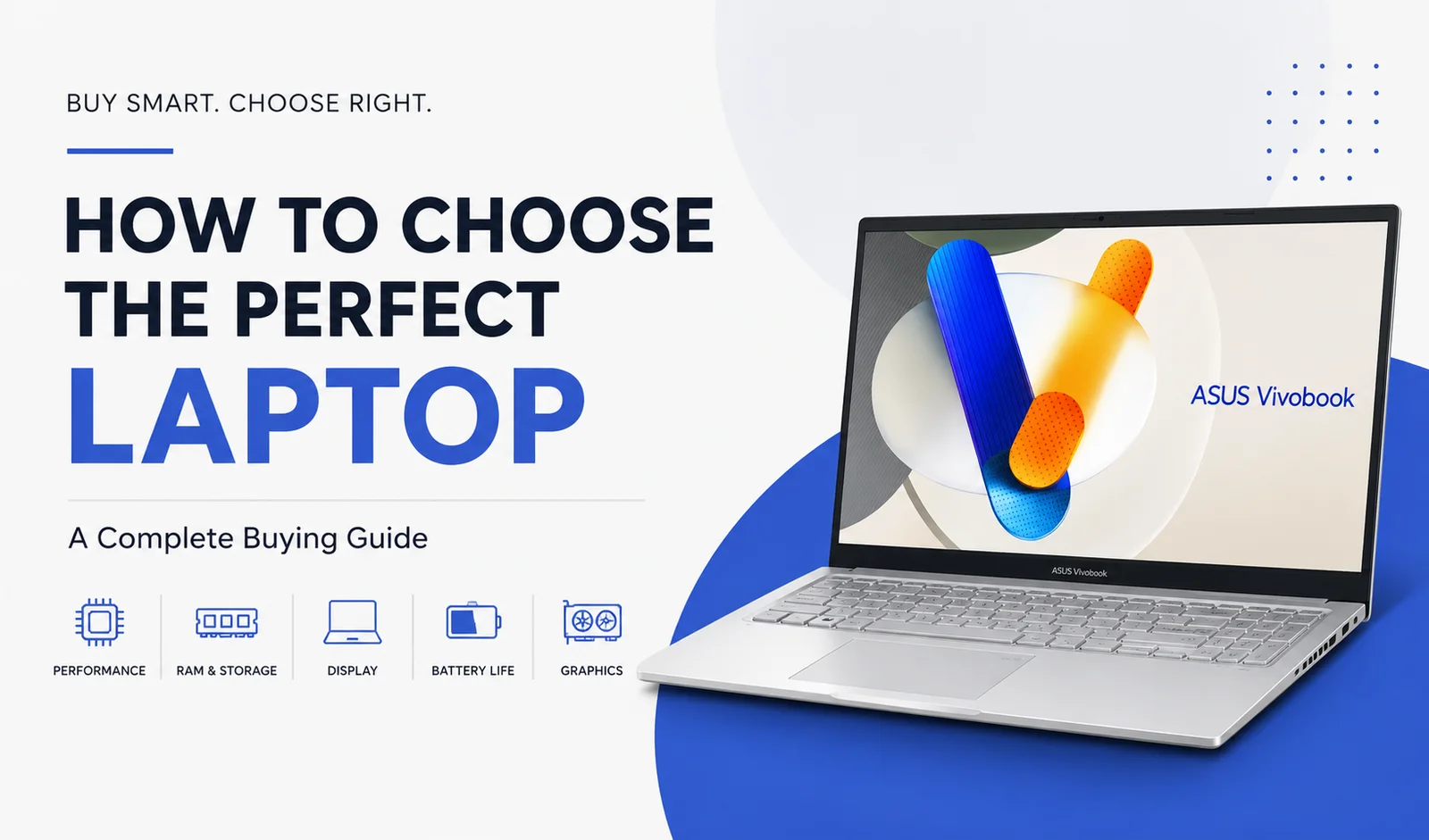
Buying a laptop can feel overwhelming with so many brands, processors, memory options, and features available. Whether you're a student, professional, gamer, or content creator, choosing the right laptop starts with understanding how you'll use it.
This guide will help you find the perfect laptop based on your needs and budget.
1. Decide What You'll Use It For
Before looking at specifications, think about your primary use.
Students
Ideal for:
- Online classes
- Microsoft Office
- Web browsing
- Research
- Video streaming
Recommended Specs:
- Intel Core i3 / Intel Core 5 / AMD Ryzen 3 or better
- 8GB RAM
- 256GB SSD
- 14–15.6-inch Full HD display
Professionals & Office Work
Ideal for:
- Microsoft Office
- Zoom meetings
- Web applications
- Multitasking
Recommended Specs:
- Intel Core i5 / Intel Core 5 / AMD Ryzen 5
- 16GB RAM
- 512GB SSD
- Full HD IPS display
Graphic Designers & Video Editors
Recommended Specs:
- Intel Core i7 / Intel Core Ultra 7 / AMD Ryzen 7
- 16GB–32GB RAM
- 1TB SSD
- Dedicated NVIDIA RTX graphics
- High-resolution color-accurate display
Gaming
Choose a laptop with:
- Intel Core i7 or AMD Ryzen 7
- NVIDIA GeForce RTX graphics
- 16GB RAM or more
- 512GB–1TB SSD
- 144Hz or higher refresh rate display
Gaming laptops deliver smoother gameplay and better performance for demanding applications.
2. Understanding the Processor (CPU)
The processor is the brain of your laptop.
Intel Processors
- Intel Core i3 – Everyday tasks and students
- Intel Core i5 / Intel Core 5 – Best balance of performance and value
- Intel Core i7 / Core Ultra 7 – Heavy multitasking and creative work
- Intel Core i9 / Core Ultra 9 – Professional editing, engineering, and advanced workloads
AMD Ryzen
- Ryzen 3 – Basic computing
- Ryzen 5 – Excellent all-round performance
- Ryzen 7 – Gaming and creative work
- Ryzen 9 – Professional workloads
3. How Much RAM Do You Need?
RAM affects multitasking performance.
RAMBest For8GBStudents, browsing, Office16GBMost users, multitasking, business32GBDesigners, developers, gamers64GB+Professional editing, engineering, AI workloadsFor most users in 2026, 16GB RAM is the sweet spot.
4. SSD Storage Explained
Modern laptops use SSDs because they're much faster than traditional hard drives.
256GB SSD
Good for:
- Documents
- Office work
- Browsing
512GB SSD
Perfect for most users.
1TB SSD
Recommended for:
- Gamers
- Photographers
- Video editors
- Large software libraries
5. Choosing the Right Display Size
13–14 inch
Pros:
- Lightweight
- Easy to carry
- Great battery life
Best for:
- Students
- Business travel
15.6 inch
The most popular choice.
Offers:
- Comfortable workspace
- Better multitasking
- Good balance of portability and screen size
16–17 inch
Best for:
- Gaming
- Creative professionals
- Video editing
Provides more screen space but is heavier to carry.
6. Display Quality Matters
Look for:
- Full HD (1920 × 1080) or higher
- IPS panel for better colors and viewing angles
- Anti-glare coating for comfortable viewing
- Higher refresh rates (120Hz–165Hz+) for gaming
7. Integrated vs Dedicated Graphics
Integrated Graphics
Suitable for:
- Office work
- School
- Streaming
- Web browsing
Dedicated Graphics (NVIDIA GeForce RTX)
Recommended for:
- Gaming
- Video editing
- 3D rendering
- CAD software
- AI applications
8. Battery Life
Battery life varies depending on your usage.
Typical expectations:
- Office work: 8–12 hours
- Students: 8–10 hours
- Gaming: 2–5 hours while gaming
If you travel frequently, prioritize longer battery life and USB-C charging support.
9. Ports You Should Look For
A good laptop should include:
- USB-C
- USB-A
- HDMI
- Audio jack
- Wi-Fi 6 or Wi-Fi 7
- Bluetooth 5.3 or newer
An SD card reader is also useful for photographers and content creators.
10. Build Quality
A quality laptop should have:
- Strong hinges
- Comfortable keyboard
- Large precision touchpad
- Good cooling system
- Durable chassis
If you travel often, lightweight aluminum models are worth considering.
Which Laptop Is Right for You?
UserRecommended SpecificationStudentIntel Core i3/Core 5, 8GB RAM, 256GB SSDOffice UserIntel Core i5/Core 5, 16GB RAM, 512GB SSDBusiness ProfessionalIntel Core Ultra 5/7, 16GB RAM, 512GB SSDGraphic DesignerIntel Core Ultra 7, 32GB RAM, RTX GraphicsGamerIntel Core i7/Core Ultra 7, RTX Graphics, 16GB RAM, 144Hz DisplayVideo EditorIntel Core Ultra 7/9, 32GB RAM, RTX Graphics, 1TB SSDFinal Thoughts
The best laptop isn't necessarily the most expensive—it's the one that fits your needs. By considering your daily tasks, performance requirements, portability, display quality, battery life, and storage, you can choose a laptop that delivers excellent value and lasts for years.
At QUTECH.mv, you'll find a wide selection of genuine laptops from trusted brands, including ASUS, Acer, Lenovo, Apple, and more. Whether you're buying your first laptop or upgrading to a more powerful model, our team is here to help you choose the perfect device.
Browse our latest laptop collection and discover the right laptop for work, study, gaming, or creativity—all with fast delivery across the Maldives.